发布于 

CMU 15-445 Database Systems

CMU 15-445/645 关系型数据库管理系统

课程网站:

PROJECTS:

STEPS:

  1. Linux 环境
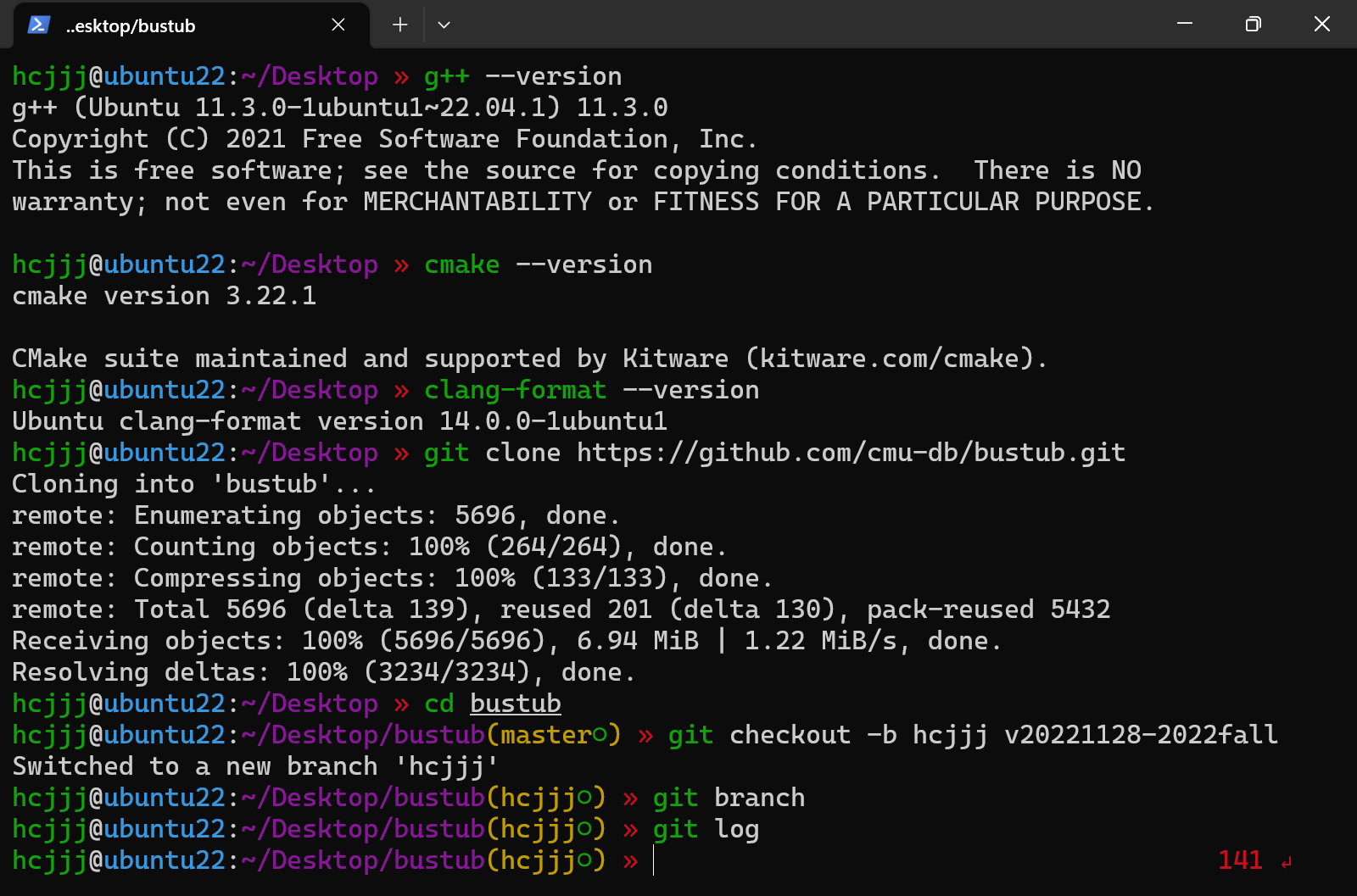
  2. 安装依赖
  3. 克隆 Bustub 项目
  4. 完成项目要求
  5. 提交到 Gradescope

环境搭建

SSH 免密登录:

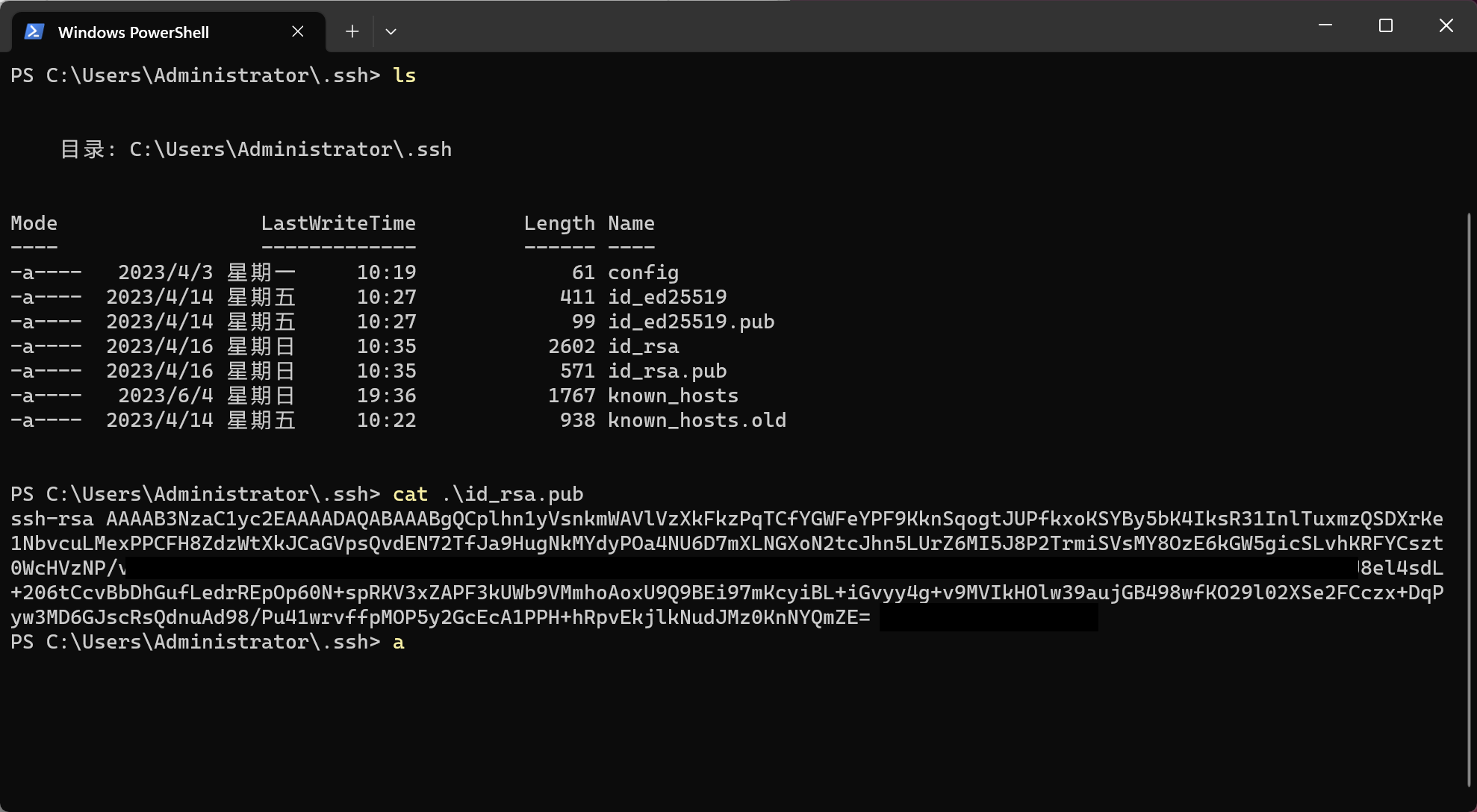
  1. 在本地生成 ssh 公钥 id_rsa.pub
  2. 把本地的 id_rsa.pub 拷贝到远程服务器上的 authorized_keys

本机:
Linux:

操作系统:Ubuntu 22.04.2 LTS x86_64

配置 SSH 远程连接:

1
2
3
4
5
6
7
# 生成密钥
ssh-keygen -t rsa
# 添加本机的公钥在此
vim ~/.ssh/authorized_keys
# 查看ip地址
sudo apt install net-tools
ifconfig

安装相关依赖:

1
2
3
4
5
6
7
8
9
10
11
12
13
14
15
16
17
18
19
20
21
22
23
24
25
26
# install_linux() {
# apt-get -y update
# apt-get -y install \
# build-essential \
# clang-12 \
# clang-format-12 \
# clang-tidy-12 \
# cmake \
# doxygen \
# git \
# g++-12 \
# pkg-config \
# zlib1g-dev
#}

sudo apt update
sudo apt install g++ cmake clang clang-format clang-tidy
# VSCode 可以安装 clangd 插件
# clangd helps developers write, understand and improve C/C++ code

# 报错:
# libc6-i386 : Depends: libc6 (= 2.35-0ubuntu3) but 2.35-0ubuntu3.1 is to be installed
sudo apt install aptitude
# 解决依赖关系问题
sudo aptitude install clang-format
sudo aptitude install clang-tidy

下载 Bustub 项目:

https://github.com/cmu-db/bustub

1
2
3
git clone https://github.com/cmu-db/bustub.git 
cd bustub
git checkout -b branchname v20221128-2022fall

线上提交

注册课程

https://www.gradescope.com/

邀请码在课程网站的 FAQ 里,用于上传代码做线上评测

本地测试:

1
2
3
4
5
6
7
8
9
10
11
12
13
14
15
16
17
18
19
20
21
22
# /home/hcjjj/Desktop/bustub

# install the packages that BusTub requires(前面安装过了)
sudo build_support/packages.sh

mkdir build
cd build
# /home/hcjjj/Desktop/bustub/build
# 执行 cmake
cmake ..
# 本地测试 p0 为例
# -j 6核 编译
make starter_trie_test -j 6
# 测试
./test/starter_trie_test
# 代码格式检查
make format
make check-lint
make check-clang-tidy-p0
# 打包 p0
cd ..
zip project0-submission.zip src/include/primer/p0_trie.h

执行 make check-clang-tidy-p0 报错:Unable to run clang-tidy.

1
2
3
4
where python3
ls -l /usr/bin | grep python
sudo ln -s /usr/bin/python3 /usr/bin/python
# 然后检查一下 clang-tidy 有没有安装上

本地测试案例代码:

打包:

线上提交:

后面几个项目 CMakeLists.txt 写好了打包操作,不需要自己 zip

1
2
# 执行 make 打包项目1 源代码
make submit-p1

上传 project1-submission.zip 到网站相应位置进行评测:

调试工具

In brief, LLDB and GDB are two debuggers. The main difference between LLDB and GDB is that in LLDB, the programmer can debug programs written in C, Objective C and C++ while, in GDB, the programmer can debug programs written in Ada, C, C++, Objective C, Pascal, FORTRAN and Go.

LLDB:https://lldb.llvm.org/

LLDB 调试的原理:基于操作系统的 ptrace 系统调用,用于进程跟踪,它可以让 A 进程监听和控制 B 进程的内存和寄存器。

GDB:https://www.sourceware.org/gdb/

1
2
3
4
5
6
7
8
9
sudo apt install lldb
# ubuntu 22.04 出现问题
hcjjj@ubuntu22:~/Desktop » lldb
Traceback (most recent call last):
File "<string>", line 1, in <module>
ModuleNotFoundError: No module named 'lldb.embedded_interpreter'
# 解决办法
sudo apt install python3-lldb-14
sudo ln -s /usr/lib/llvm-14/lib/python3.10/dist-packages/lldb/* /usr/lib/python3/dist-packages/lldb/

Project #0

In this project, you will implement a key-value store backed by a concurrent trie.

Identification: src/include/primer/p0_trie.h

  1. 力扣 208. 实现 Trie (前缀树)
  2. Task #1 - Templated Trie
  3. Task #2 - Concurrent Trie

实现思路

  • TrieNode
  • TrieNodeWithValue
  • Trie
    • Insert
    • Remove
    • GetValue

本地测试

1
2
3
cd build
make starter_trie_test
./test/starter_trie_test

代码格式化

1
2
3
4
cd build
make format
make check-lint
make check-clang-tidy-p0

代码提交

1
2
3
cd ..
zip project0-submission.zip src/include/primer/p0_trie.h
# 然后将 project0-submission.zip 上传至平台即可

Project #1

Project #2

Project #3

Project #4

总结